skillsync
skillsync
Log in
Sign up
Follow
Andy Mills
@goodvibemarketer
·
8 skills
Helping marketers use AI to get practical real work done.
github.com/goodvibemarketer
goodvibemarketer.com
Skills
8
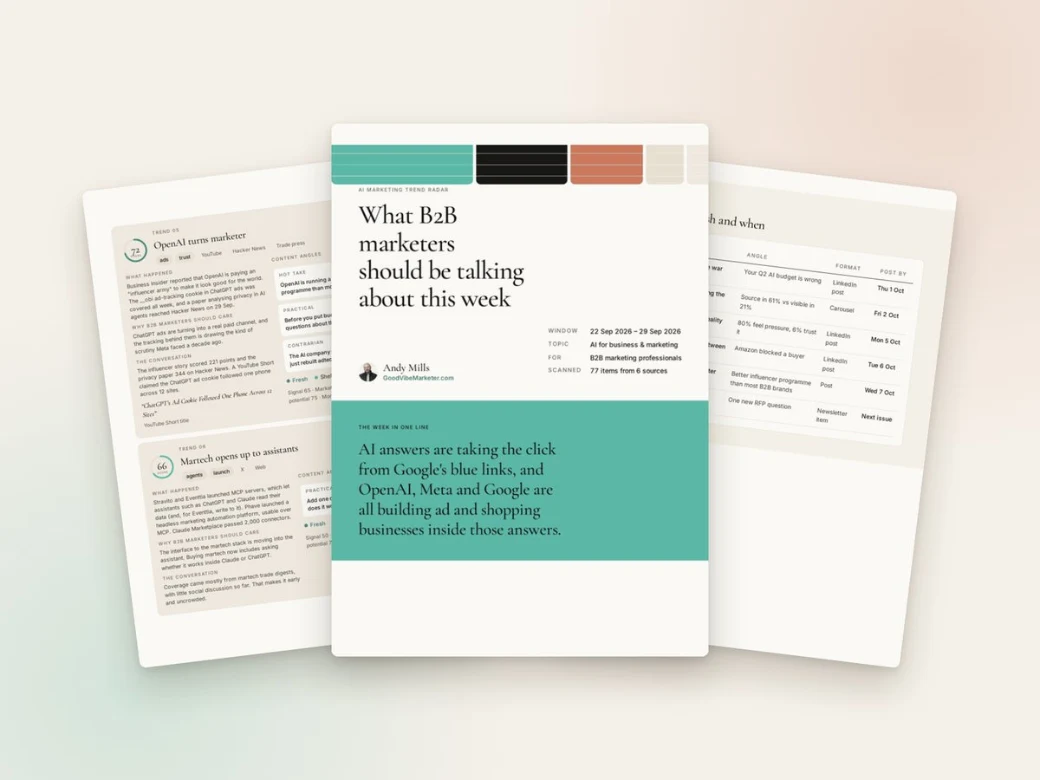
ai-marketing-trend-radar
Weekly trend radar that scans the last 7 days of Hacker News, trade press, the web, company launches, new research and newsletters for any topic, ranks trends with content angles, and delivers a report branded with your Claude design system.
Free
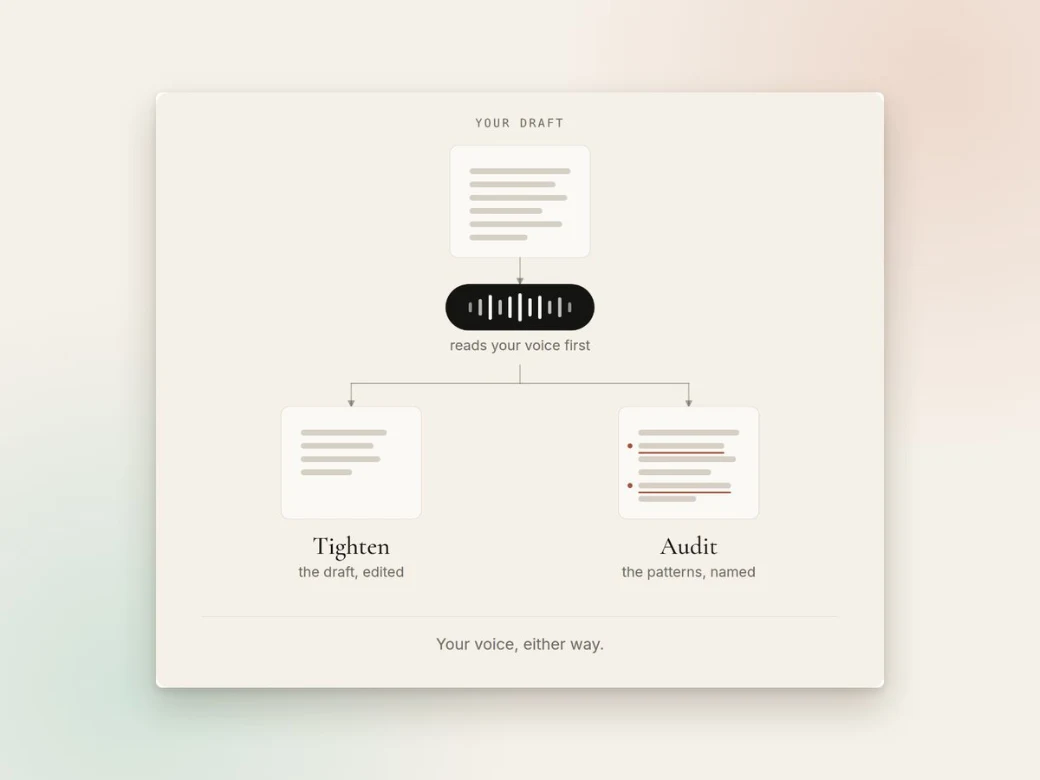
ai-slop-pattern-linter
Edit drafts into sharper, more human writing while preserving the writer's personal voice, or detect AI-slop patterns without rewriting. Use when the user wants a draft clearer, more direct, more opinionated, or less AI-sounding, or asks whether writing reads as AI.
Free
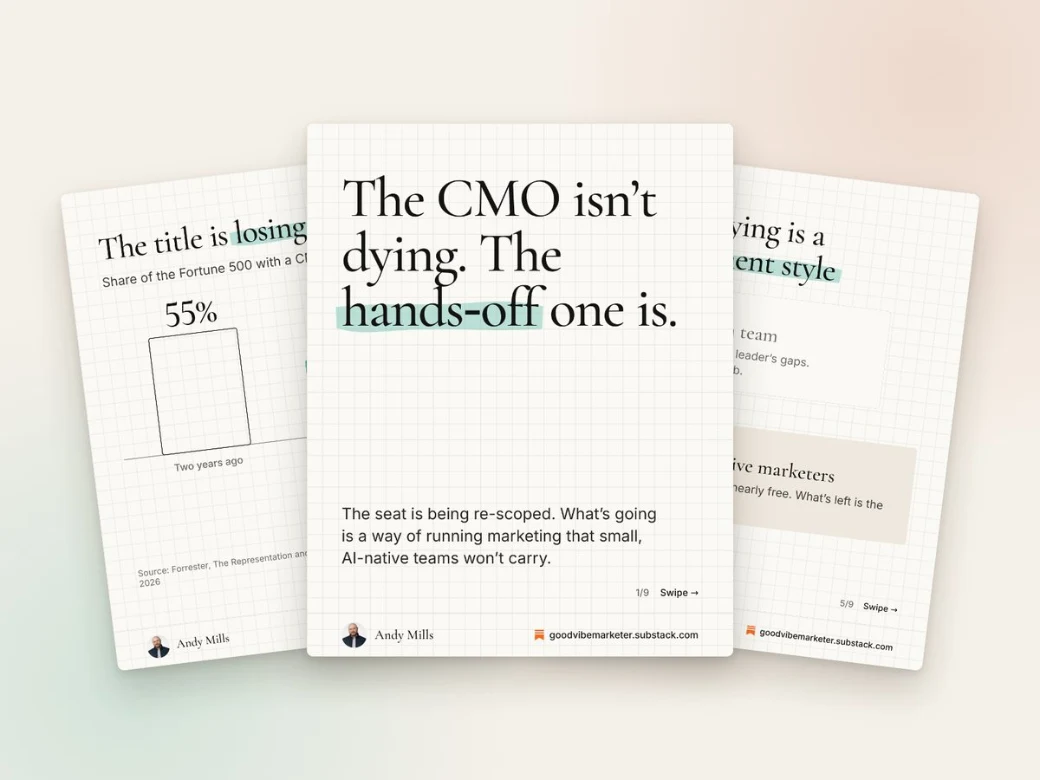
linkedin-carousel-builder
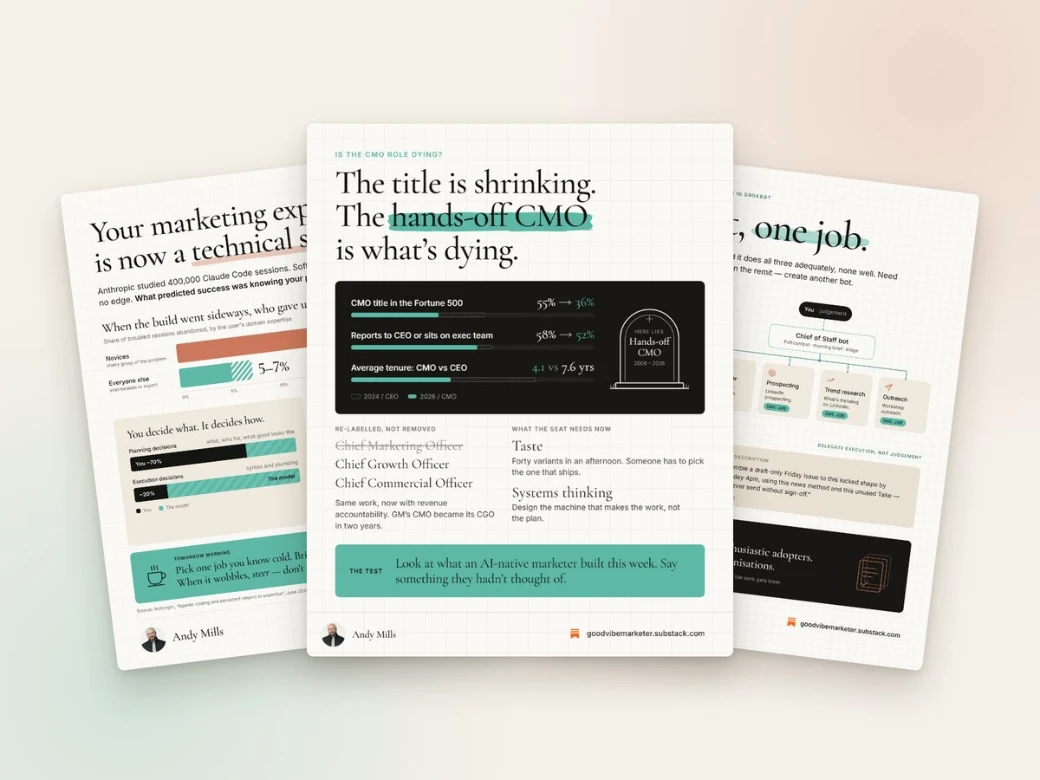
Turn an article or report into a branded LinkedIn carousel PDF (1080x1350) using your Claude Design System. Use for LinkedIn carousels, document posts or repurposing articles into slides.
Free
b2b-landing-page
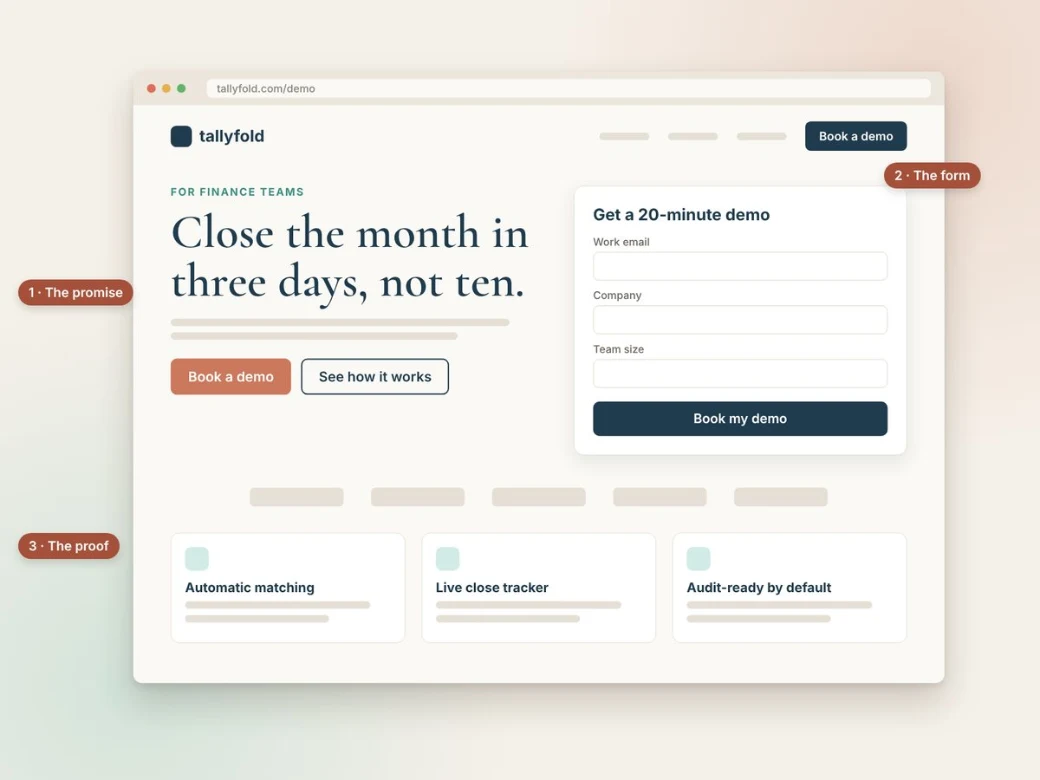
Plans and builds complete B2B landing pages — strategy, message hierarchy, section-by-section copy, form specification, visual direction, and the built page. Use whenever the user mentions a landing page, LP, lead-gen page, demo-request page, campaign destination page, or squeeze page for a product sold to businesses, and whenever they ask for landing page copy, headlines, hero sections, or CTAs, or want an underperforming page rebuilt. Also use when a paid campaign needs a destination page. Trigger even if the user just says "build me a landing page" or "write a landing page" without saying B2B, as long as the buyer is a business. Runs in two phases — a reviewable brief, then the build — and stops after the brief if the user only wants a document to hand to a designer or developer. Do not use for blog posts, ads, emails, or general website pages.
Free
linkedin-infographic-builder
Turns textual content into a single, polished infographic image (4:5 PNG, laid out at 1080×1350 and exported at 2× for sharp text) utilizing Claude Design workflows. Dynamically handles company branding systems or personal LinkedIn avatars while enforcing clean, editorial anti-slop typography layouts.
Free
newsletter-editor
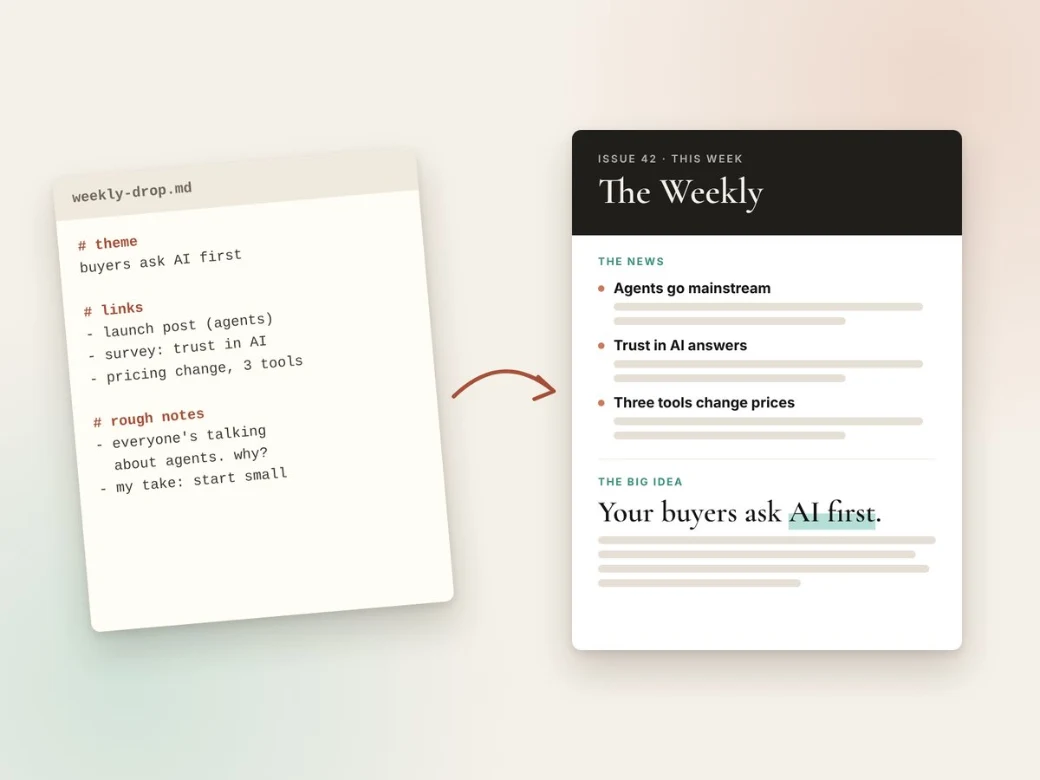
Drafts a complete weekly newsletter (news roundup plus thought leadership article) from a rough drop file of notes, links, and themes, so the user becomes the editor of their publication rather than the writer. Use whenever the user is preparing, drafting, or assembling a weekly email newsletter, substack, beehiiv post, LinkedIn newsletter, or any periodic publication with a news plus opinion format. Trigger on phrases like "draft my newsletter," "build the weekly," "turn these notes into a newsletter," "run the newsletter editor," "weekly drop," or when the user shares a file of news links, rough notes, or a weekly theme and asks for a newsletter built from it. Also trigger when the user mentions setting up a newsletter workflow or running an automated newsletter pipeline. Do not trigger for one-off proofreading of an existing paragraph, that is a different job. Infer from context, do not require the word "editor" explicitly.
Free
notebook-notes
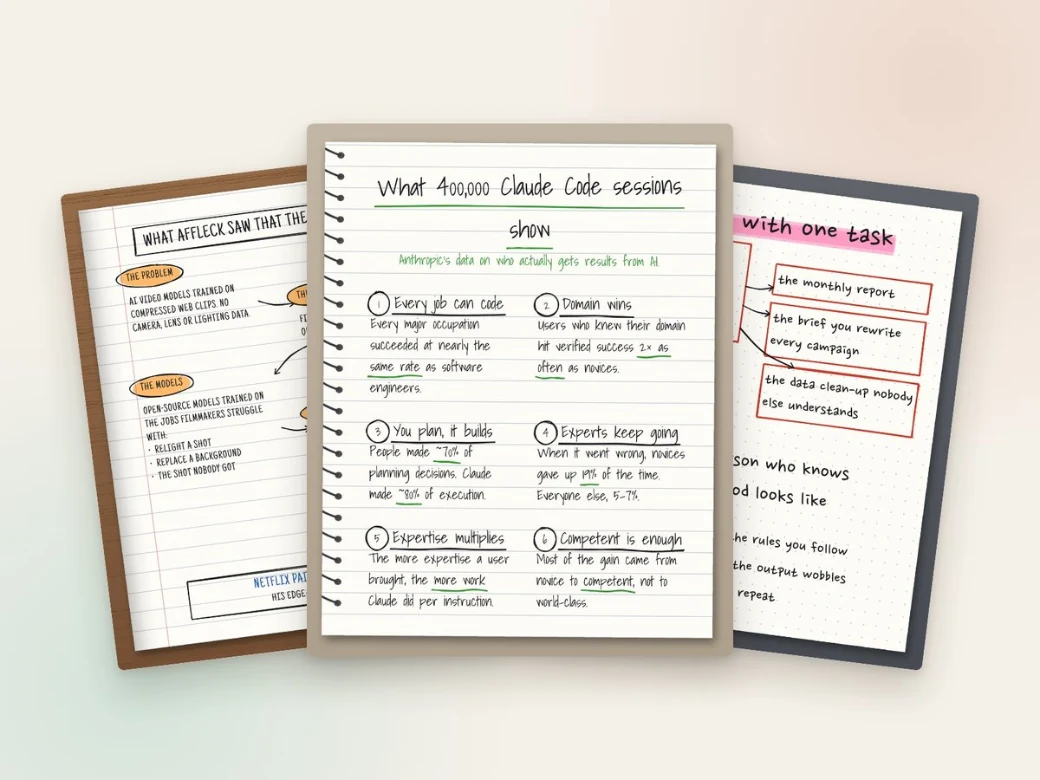
Turns an article's framework, findings, process or rules into a photo-style page of handwritten notebook notes (ruled, dotted or grid paper, spiral or gutter binding, neon highlighter blobs, coloured pen underlines, circled numbers, arrows, pyramids), lying on a desk. Use when repurposing content into a "notepad", "notebook", "handwritten notes" or "bullet journal" style image for LinkedIn, X or Substack.
Free
sketch-explainer
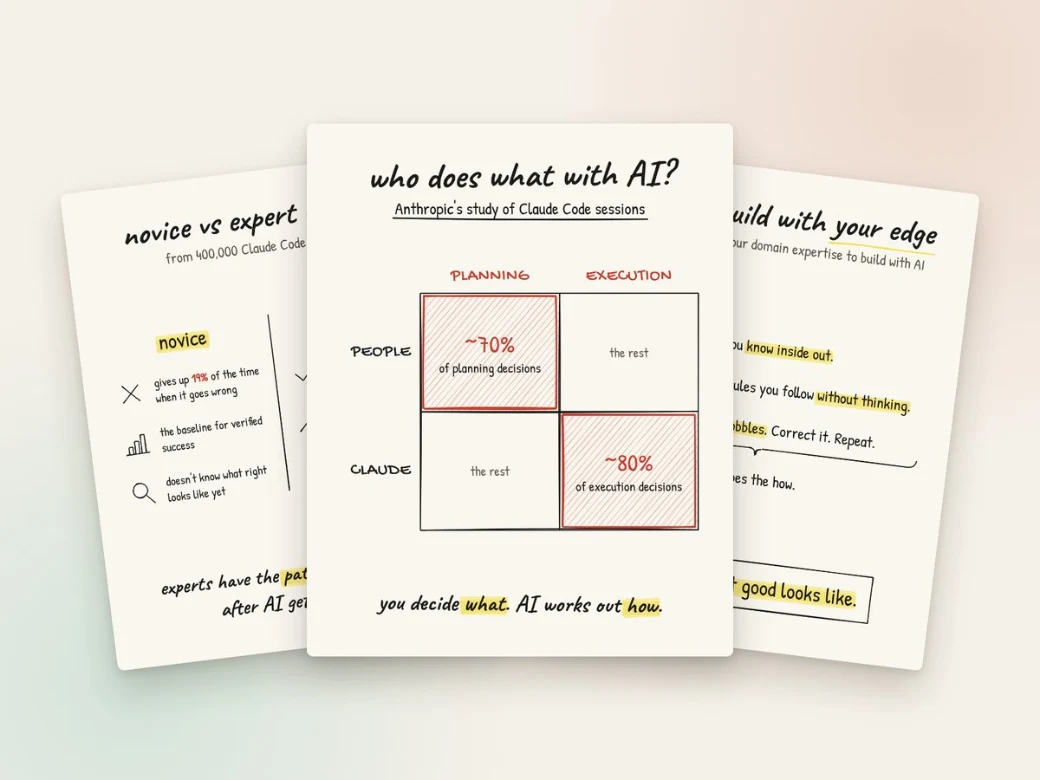
Turns one strategy, tactic, framework or idea into a hand-drawn "pen on paper" explainer image (handwritten title, wobbly boxes and arrows, highlighter on the key words, doodle icons, one punchline), the kind of simple visual that gets saved and shared on LinkedIn. Use when repurposing an article, report or post into a sketch-style graphic, for Substack Notes, X or LinkedIn, or when asked for a "hand-drawn", "sketch", "napkin" or "whiteboard" style image.
Free