Search that feels like memory
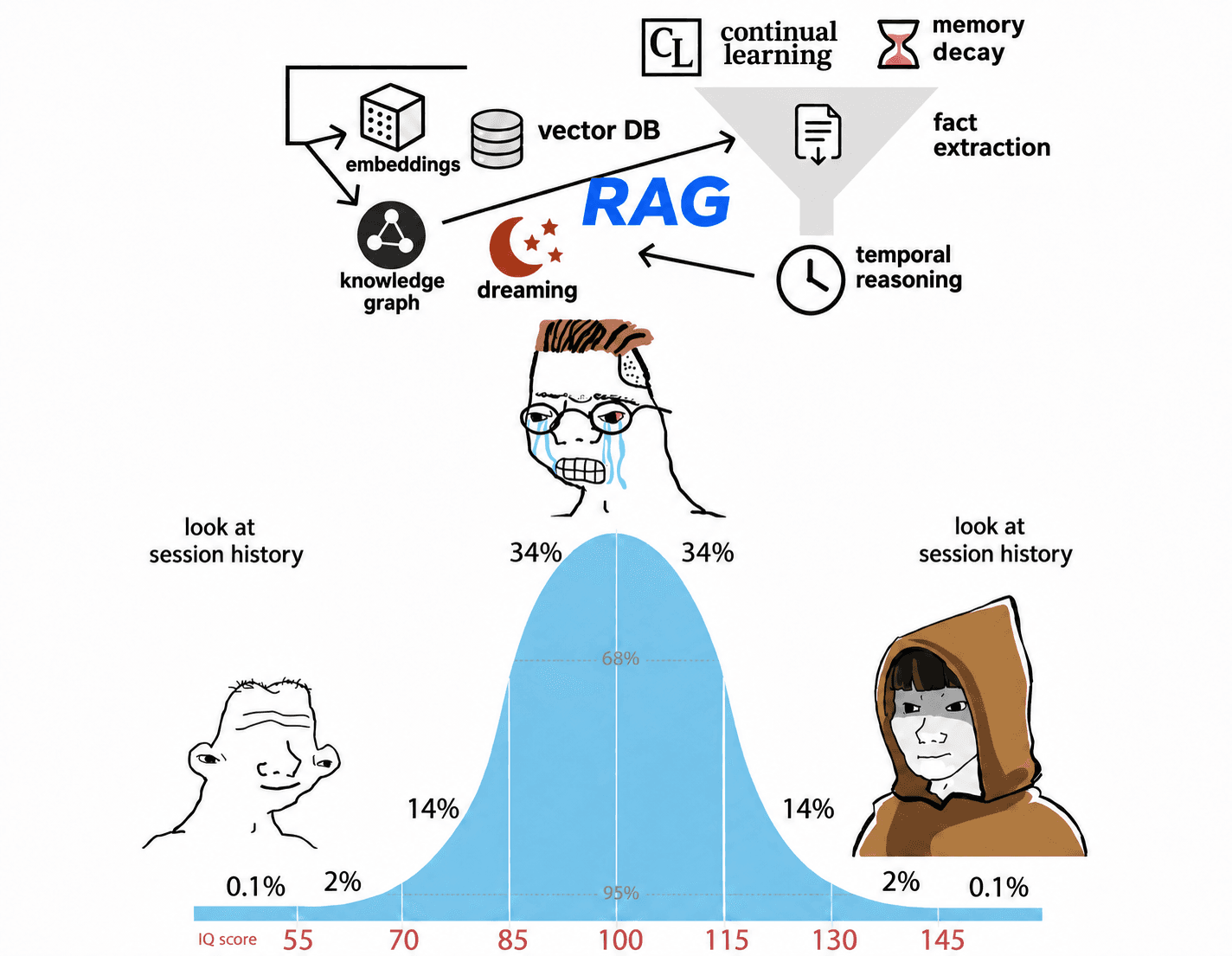
Skillsync searches your coding agents’ session history before each prompt. No index, no embeddings, no setup
- Claude Code
- Codex
- Cursor
- OpenCode
- Amp
- pi
- Hermes
- Grok Bot
Fast. Serverless. Complete.Choose any three
every session, searched on every promptnothing saved ahead of time, nothing to set up
EVERY SESSION · ON EVERY PROMPT
❯ the relay is stuck again⏺ From 2 past sessions- 01
you prompt
Type to Claude Code, Codex or OpenCode like you always do. Nothing to call, nothing to tag.
❯ the relay is stuck reconnecting again - 02 · UNDER 1S
it decides
Skillsync checks whether your past work matters here. If it doesn’t, it stays out of the way.
scope this folder search yes - 03
it reads everything
Every session in the folder, or all of them when it needs to, read for what you did, decided and found.
relay/ 57 sessions found 2 - 04
your agent remembers
A short recollection, with sources, arrives with your prompt. Your agent builds on it instead of starting over.
⏺ From 2 past sessions
search from anywhere
press ⌥⇧Space over any app,
every session is right there
Search drops out of the notch over whatever you’re doing. Open a session, continue it in its agent, or copy just the part you need.
⏺ Reconnect attempt 14 failed (1006). Retrying in 0ms…
⏺ Reconnect attempt 15 failed (1006). Retrying in 0ms…
⏺ Reconnect attempt 16 failed (1006). Retrying in 0ms…

❯ didn't we already fix this once?
continue in any agent
Resume a session right where it stopped, or carry it into the coding agent of your choice. The whole conversation comes along.
private by default
Sessions are read and indexed on your Mac and never uploaded unless you share one. Smart search runs with zero data retention.
ask in plain words
Search covers prompts, replies, reasoning, commands and file paths as you type. Press ⏎ and smart search answers with the sessions cited.
every skill, one place
See the skills each of your agents has, switch them on or off per agent, and find the sessions that used them.
workspaces
your best work, sharedsearch your team’s sessions like your own
Make a workspace for your team. Share a session with a link or by name, keep skills in one place, and type @ to search everything your team has shared. Your own sessions stay private until you share them.
private until you share
Everything starts in Private, on your Mac. Pick which sessions and skills your team gets to see.
share a session
Send anyone a link, or share with a teammate by username or email. They read it as the whole conversation.
one skill library
Share the skills that work with the workspace, tagged the way your team sorts them, in every agent.
in your terminal
SKL CLILinux, Windows and remote servers
Then run skl init. On a remote server, sign in with skl login --device.
never solve it twice
stop repeating yourself
to your agents
macOS 26 · Apple silicon